Privacy in the apps
Our apps have no accounts and never send us your recordings. They report crashes and how they are used to Google’s Firebase, and if you contact us from an app, our support system receives your message. Where one app differs from the others, it is listed below.
Last updated . This covers Voice Analyst, Christella VoiceUp, DAF Pro, Swallow Prompt and One Minute Voice WarmUp. This website has its own notice.
What leaves your device?
Crash reports
When an app crashes or hits an error, Firebase Crashlytics, a Google service, sends us a report: the device model, its operating system, the app’s version and what the app was doing just before.
Usage statistics
Firebase Analytics, also Google’s, tells us how the apps are used: which features are opened, how long a session lasts, which settings are chosen, the device and app version, and roughly which country. It is tied to an identifier for your installation of the app, not to your name, so it is pseudonymous rather than anonymous. Google processes it on our behalf. We use it to find out what works and what to improve, and for nothing else.
When you contact us
If you ask for help from inside an app, Zendesk, our support system, receives your message, the email address you give and your device’s type, operating system and app version, so we can answer you. There is no account to create. On Android, that includes the make and model of your phone.
What stays on your device?
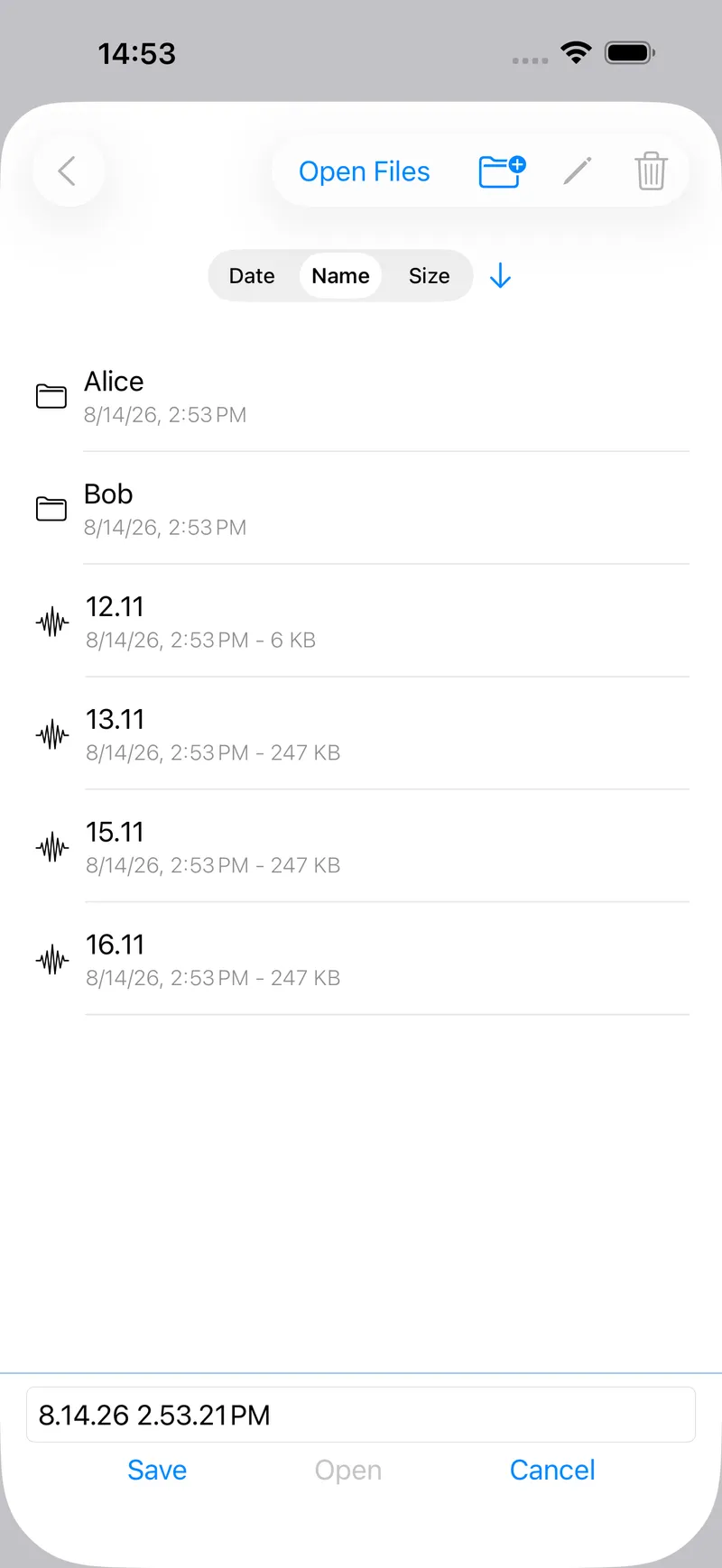
Your recordings. Where an app records your voice, the recording is saved on your device and goes nowhere unless you choose to share it, for example by email or to a cloud drive. Your results, settings and any questionnaire answers stay there too.
The apps have no accounts and send nothing to a Speechtools server, because there isn’t one. One exception is your phone’s own backup: on Android, Voice Analyst’s recordings can be included in your device backup, which goes to your Google account rather than to us.
Payments go through the App Store or Google Play. We never see your card details.
How does each app differ?
Voice Analyst
- Microphone
- Records your voice to analyse it. Recordings are saved on your device and leave it only when you share them. On Android, the phone’s own backup can include them, in your Google account.
Christella VoiceUp
- Microphone
- Records your voice to measure your pitch. Recordings and your results, including questionnaire answers, stay on your device unless you share them.
DAF Pro
- Microphone
- Plays your voice back to you as you speak. Nothing is saved: the 60-second playback recording is held in memory and gone when you stop.
Why do we use this, and how long is it kept?
We use the email address you give us to answer you, with your consent, and keep the correspondence so we have context if you write again. We do not add you to a mailing list. We use crash reports and usage statistics because we have a legitimate interest in keeping the apps working and improving them.
Crashlytics keeps crash reports for 90 days. Usage statistics are kept in detail for two months, after which only totals remain. Google and Zendesk may process data outside the UK, including in the United States, under the safeguards UK law requires.
Nothing in the apps is used to make automated decisions about you, and we do not sell data.
Who is responsible?
Speechtools Ltd, Bristol, United Kingdom, is the data controller. You can ask us what we hold about you, ask for it to be corrected or deleted, and object to processing. Write to support@speechtools.co.